I add my 35mm film scans into Apple Photos on my laptop as it allows for easy adjustments. The scans I get are usually somewhat neutral and benefit from an increase in shadow, color, and contrast. My starting settings are:
- Shadow: -15 to -20
- Contrast: +15 to +20
- Black point: +4 to +10
From there I will usually do the following:
- Use the auto function on Curves to see if the colors and blacks are sharpened (if the colors are still off, I may set white and black points myself), and
- Use white balance with the skin tone drop down for photos with a human subject
That’s usually enough for touching up standard scans and, besides any fiddling, only takes a minute or so per photo.
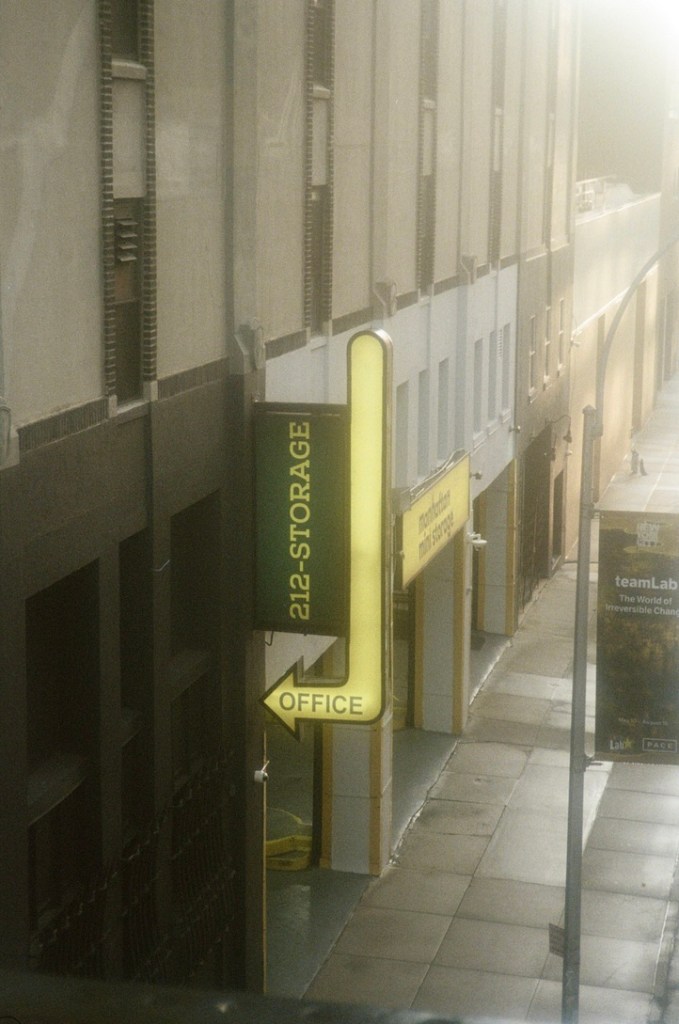
Here are some before and after examples:
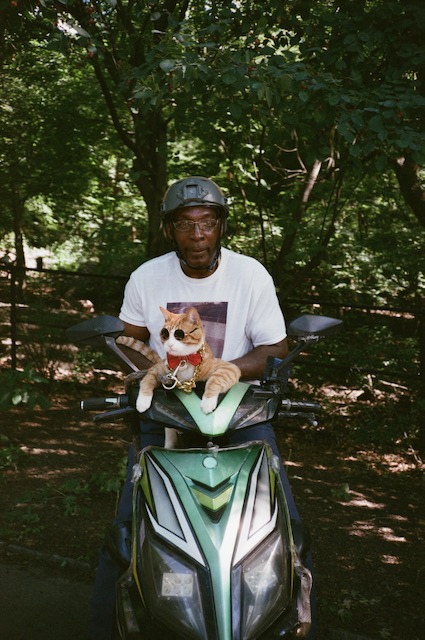
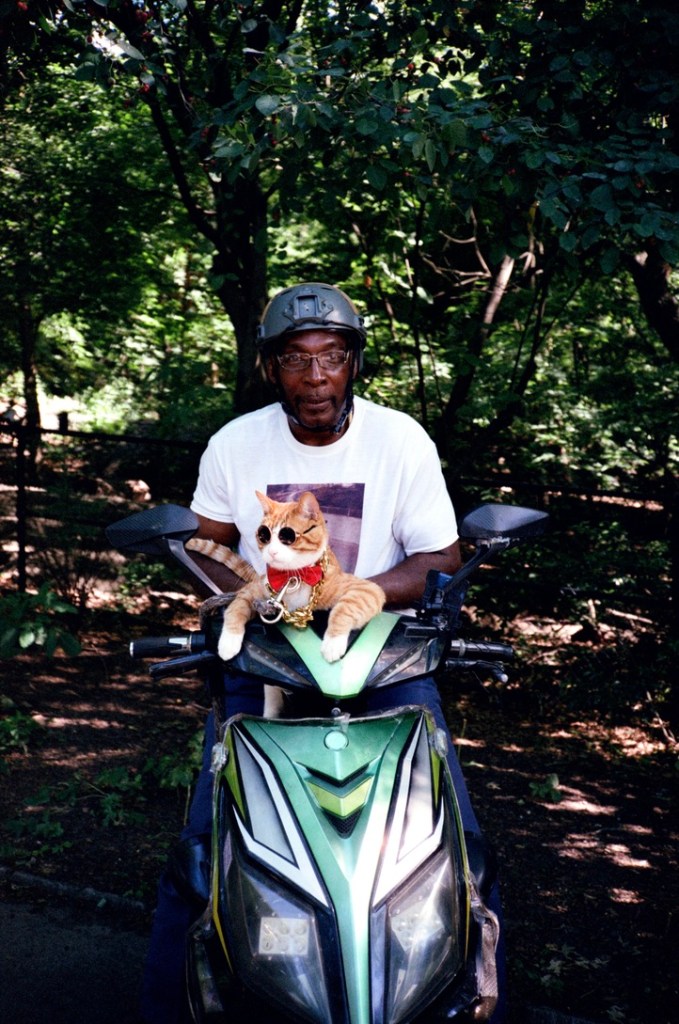
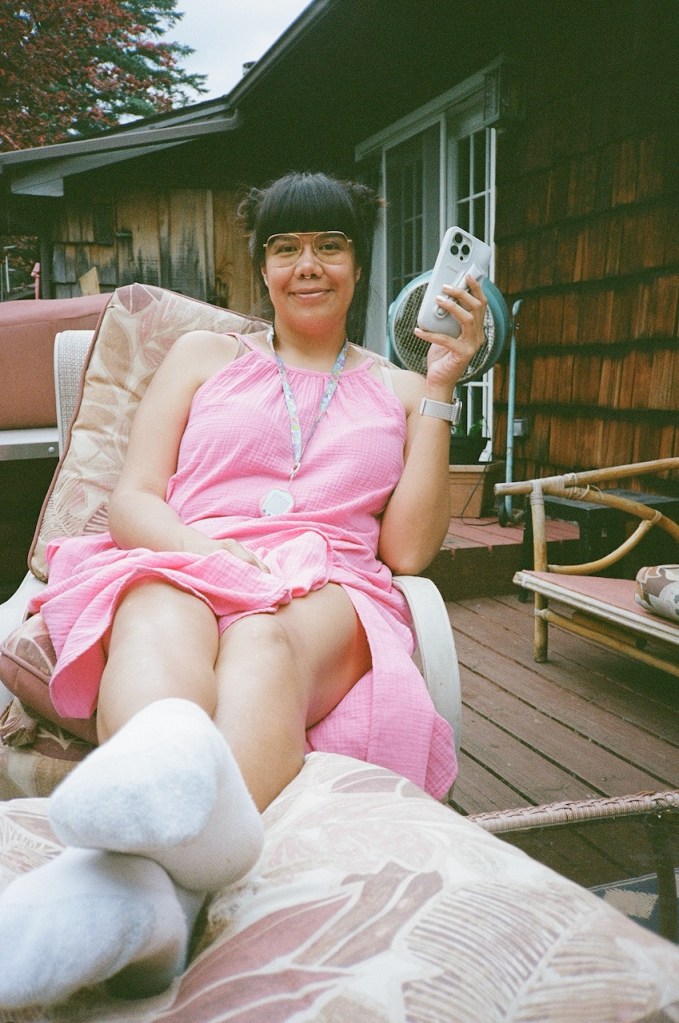
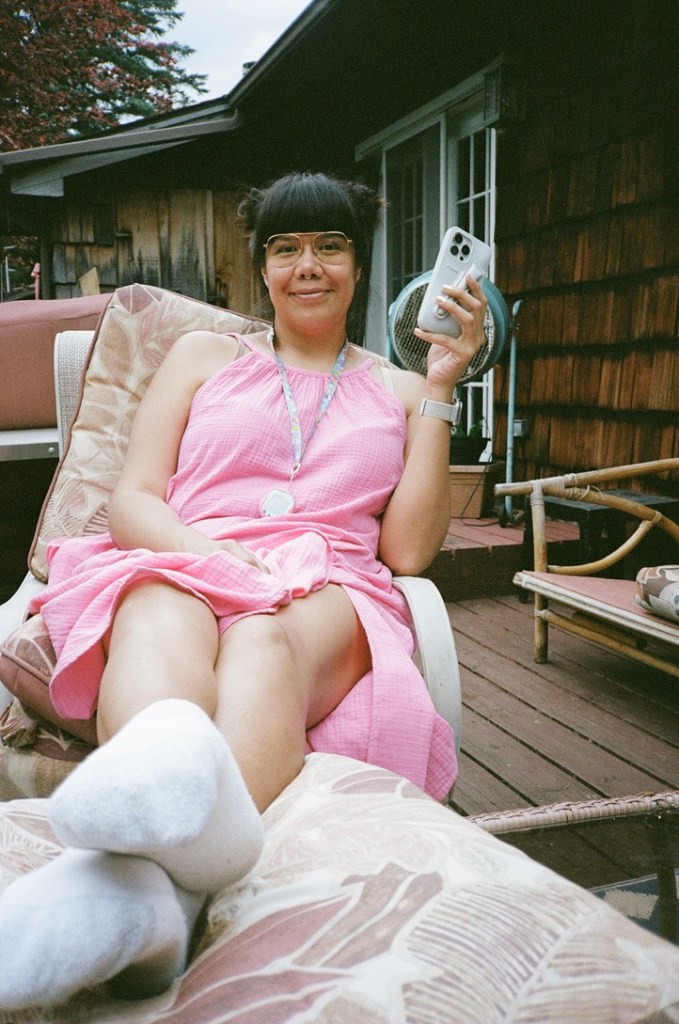


 Hops Trains and Backpacks
Leave a comment