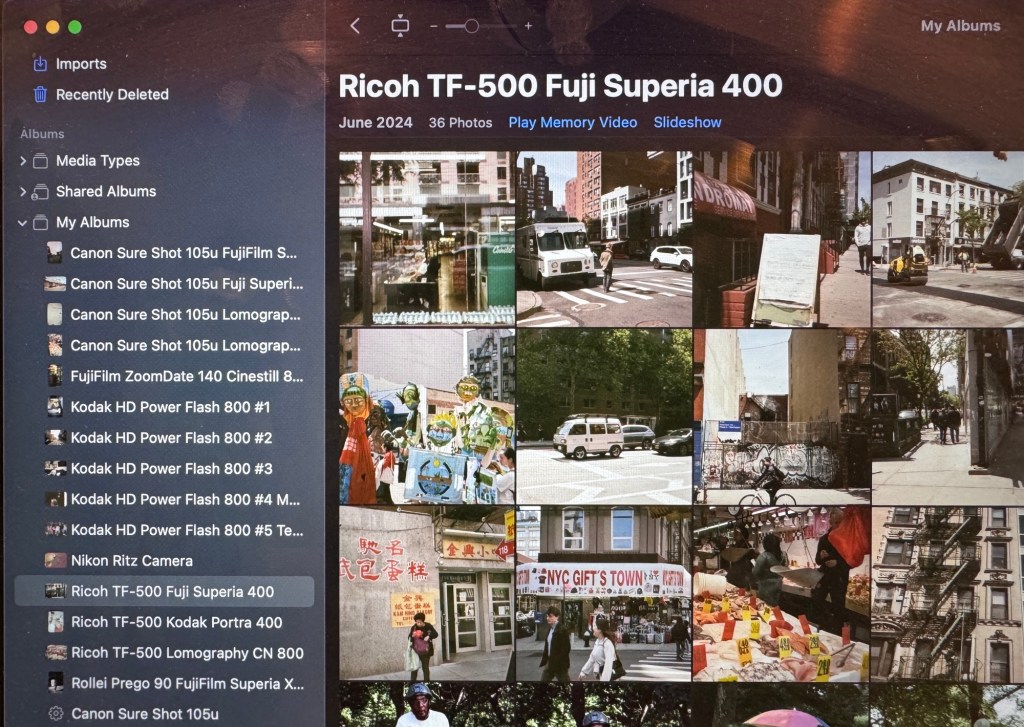
I’ve started to use my film camera more regularly and recently decided I needed a way to keep all my photos organized on my computer.
Here’s my process:
- Rename folder containing scans to include month and year, camera, and film
- Replace first part of image filename with camera and film
- Create folder in Apple Photos labeled with date, camera, and film
- Add photos
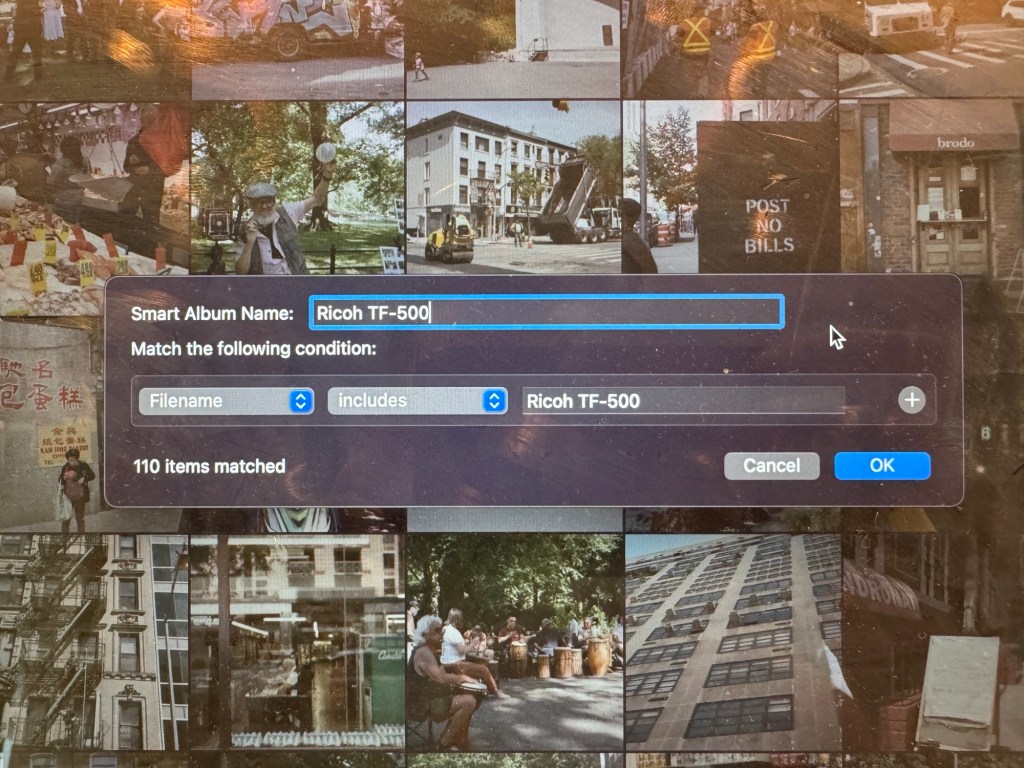
- Create optional smart albums based off filenames, e.g., Superia, Portra 800, Canon
The current version of iOS has some great options for batch renaming of files by selecting and right-clicking.
Shared Albums, once set up in Apple Photos, can be shared with others and accessed from your iPhone via iCloud.
Smart albums allow me to compare results with the same camera or film over time. I have smart albums for each camera and film stock, based off the filenames above.


 Hops Trains and Backpacks
Leave a comment